
How Subscriptions Accumulate - and a System for Auditing Them

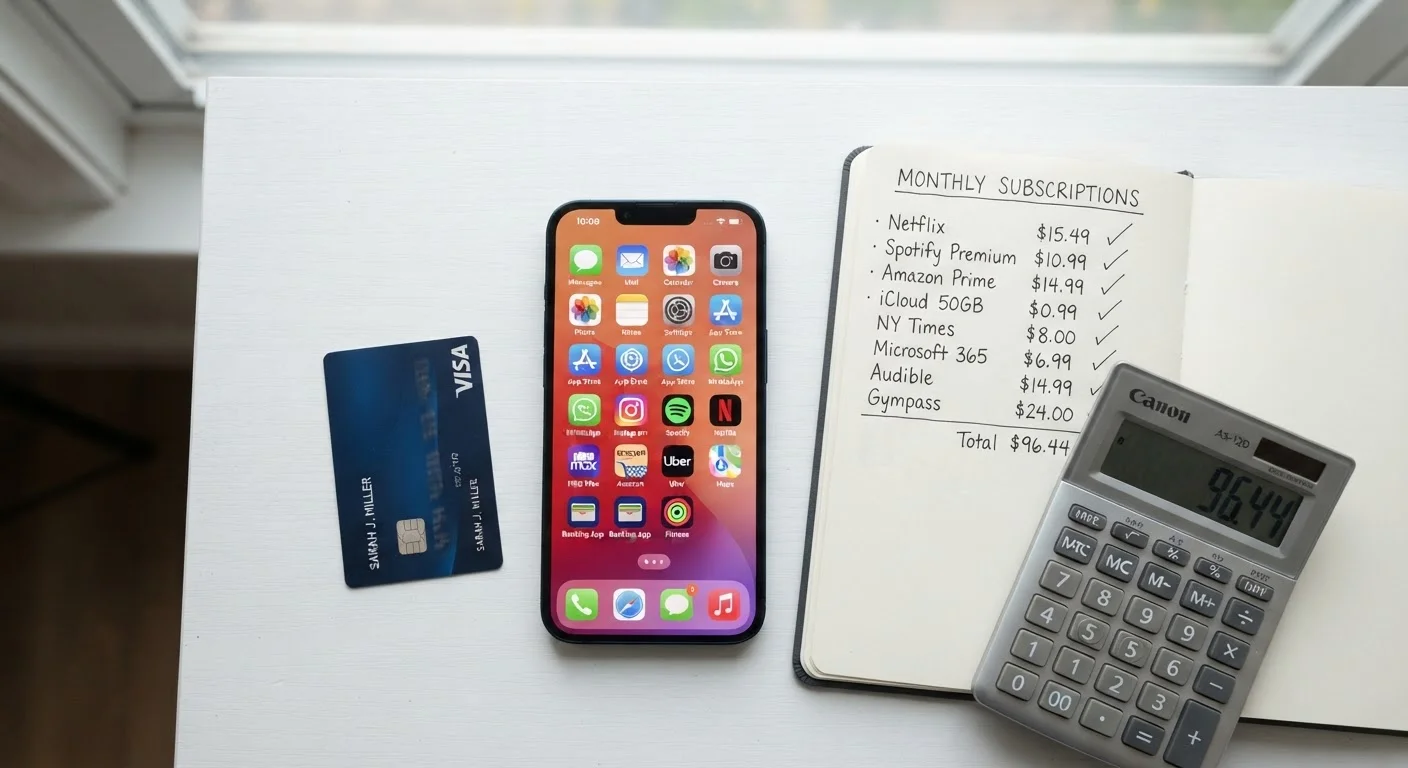
Photo: QuickAdvisor.net editorial
Key Takeaways
- Most households carry more active subscriptions than they realize, many going unused for months.
- A one-time audit paired with a simple tracking system can identify spending leaks quickly.
- Evaluating each subscription by actual usage - not perceived value - drives better cancellation decisions.
- Annual billing cycles and free-trial conversions are the two most common sources of forgotten charges.
- A recurring quarterly check prevents subscriptions from accumulating again after an audit.
Why Subscriptions Stack Up Silently
Subscriptions are designed to be frictionless. Sign-up takes seconds; cancellation often requires navigating buried menus or waiting on hold. That asymmetry is intentional. Add free trials that convert automatically, annual plans charged once and promptly forgotten, and bundled services that obscure individual costs, and it becomes easy to carry a dozen recurring charges you haven't thought about in months.
This isn't a willpower problem - it's a visibility problem. Most people have no consolidated view of their subscriptions. Charges appear across multiple credit cards, bank accounts, and even PayPal or digital wallets, making the full picture hard to see at a glance. The patterns that quietly inflate spending on subscriptions are the same ones explored in habitual spending patterns worth auditing.
The fix isn't to distrust every recurring charge. Many subscriptions deliver genuine value. The goal is a clear-eyed system: know what you're paying, know what you're getting, and decide intentionally - rather than by default.
What you will need
How to Audit Your Subscriptions - Step by Step
This process works best done in a single focused session. Set aside 45 to 60 minutes, gather your statements, and work through each step without skipping ahead. The goal is a complete, verified list before you make any cancellation decisions.
Pull every statement from the last 90 days
Log into each bank account, credit card, and payment platform (PayPal, Apple Pay, Google Pay) you use regularly. Download or print statements covering the last three months. Three months catches quarterly charges that a single-month review would miss.
Search your email for subscription confirmations
In your primary inbox, search for terms like "your subscription," "receipt," "renewal," "free trial," and "billing." Many subscriptions send annual renewal notices by email that never appear on a single month's statement. Flag or star anything that surfaces a service you didn't find in Step 1.
Build a master list with costs and billing cycles
Create a simple table with five columns: Service Name, Monthly Cost (convert annual charges by dividing by 12), Billing Cycle (monthly/annual), Payment Method, and Last Used. Fill in every recurring charge you found. Do not filter or judge yet - capture everything first.
Assess actual usage - not intended usage
For each service on your list, ask one question: When did I last use this, meaningfully? "Meaningfully" means you got the primary value from it - not just that the app is installed or you glanced at it once. Mark each service as Active (used in the last 30 days), Marginal (used rarely), or Unused (can't recall the last session).
Apply the annual cost lens to marginal and unused services
Take every Marginal or Unused item and multiply its monthly cost by 12. Seeing $8.99/month reframed as $107.88/year changes the decision calculus for most people. For each, ask: if you paid this amount as a lump sum upfront today, would you? If the answer is no, add it to your cancellation list.
Check for overlapping services and bundling opportunities
Look for services that cover the same need - two cloud storage plans, two music platforms, multiple news subscriptions. Also check whether services you already pay for include benefits you're buying separately. Many credit cards, cell phone plans, and existing subscriptions bundle streaming or security tools at no added cost.
Cancel, pause, or downgrade - and document it
Work through your cancellation list. For each service, cancel through the platform's account settings and confirm via email receipt. If a service has a pause option and you're uncertain, pause rather than cancel - but set a calendar reminder to revisit within 30 days. Note the cancellation date in your tracker so you can verify the charge stops appearing.
Annual Charges Are the Easiest to Forget
After the Audit: Building a Maintenance System
A one-time audit is useful. A maintained system is what keeps subscriptions from quietly rebuilding. After your initial review, implement two habits:
- Maintain a living tracker. A shared spreadsheet or simple notes app works fine. Log every new subscription the day you start it - name, cost, billing cycle, and the date a free trial converts. This takes under a minute per entry and eliminates future discovery surprises.
- Schedule a quarterly 15-minute review. Pull up your tracker alongside one month of statements. Confirm every charge matches your list, check that you've used each service meaningfully in the past 90 days, and cancel anything that fails that test.
Payment method matters here too. Running all subscriptions through a single credit card - rather than across multiple accounts - makes monthly scanning far faster. Understanding how your payment method shapes spending awareness can inform which account makes the most sense as your subscription hub.
Finally, when evaluating whether to keep or add a service, apply the same evaluative discipline you'd use for any purchase. The framework in evaluating any product before you buy translates directly: define what you actually need, assess realistic usage, and compare cost to genuine alternatives - including doing without.
The content on this site is for informational purposes only and is not a substitute for professional advice. Always consult a qualified professional for guidance specific to your situation.